
ArdCane
Overview
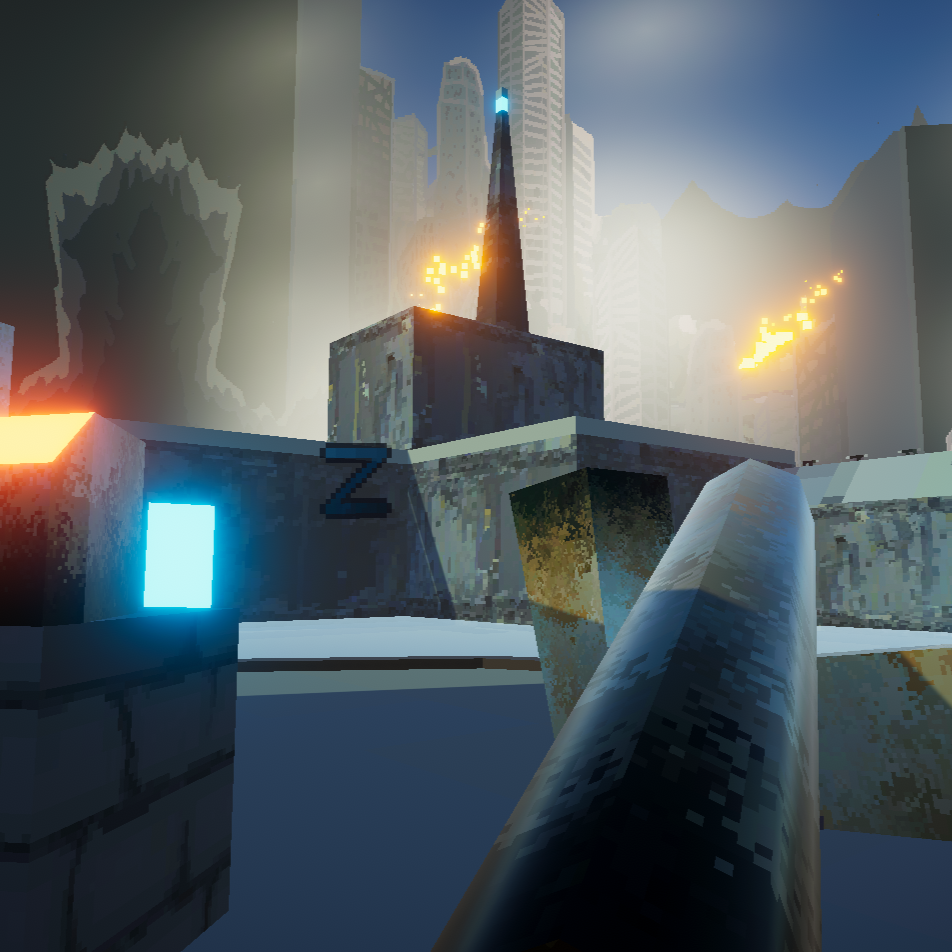
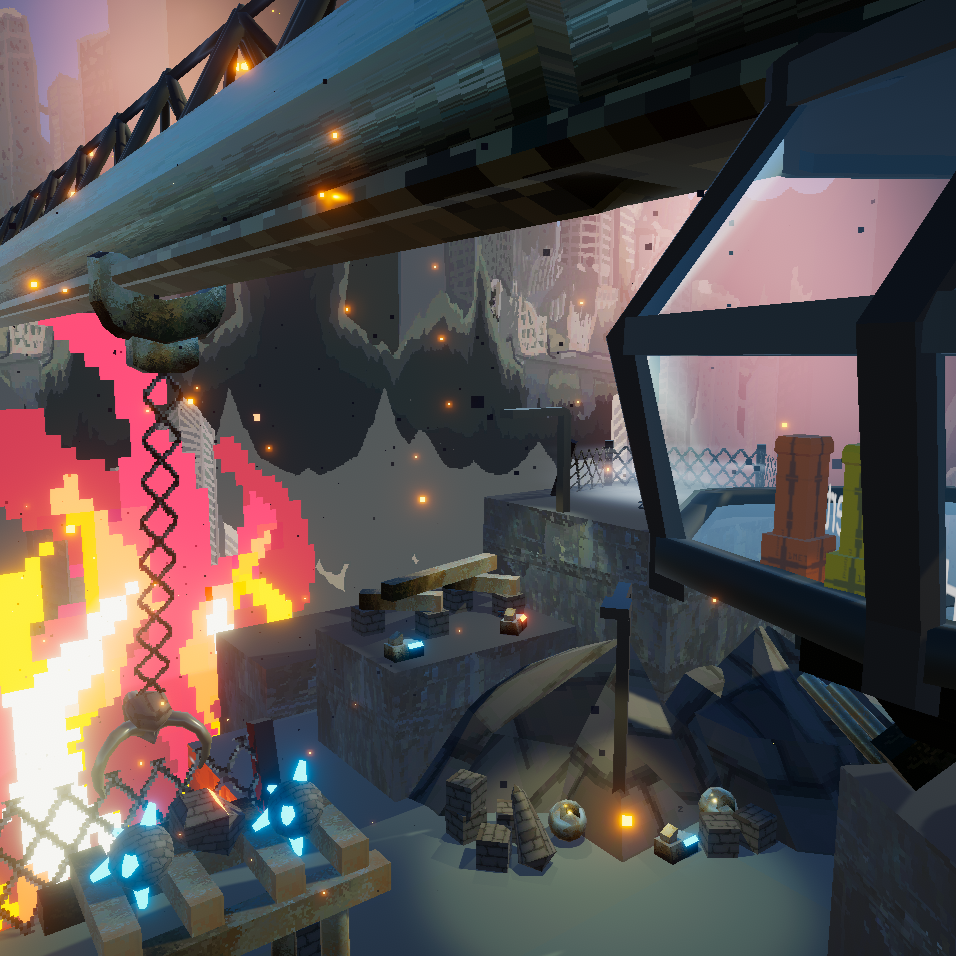
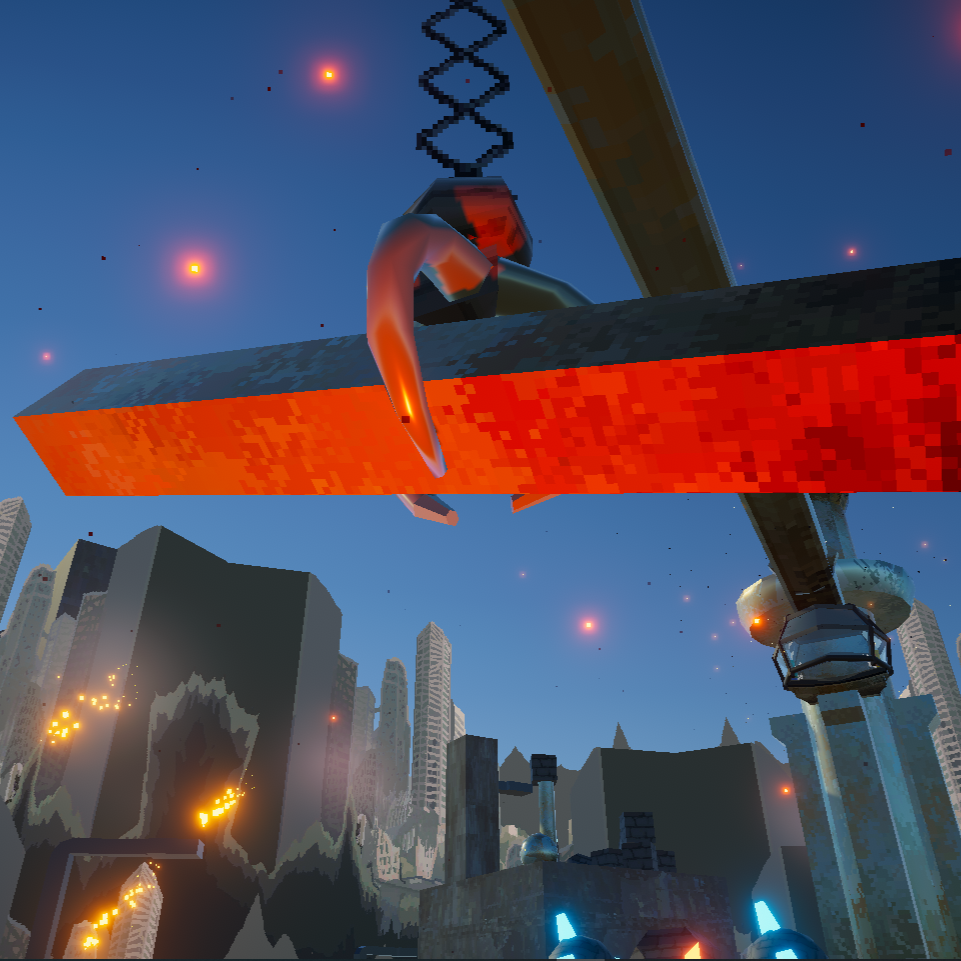
ArdCane is a dystopian rooftop crane simulator built with Unity in under two weeks. Players operate a towering sky crane to sort rubble into piles of salvage, scrap, and waste. Designed to highlight tactile interaction, the game pairs digital simulation with a custom Arduino controller to translate physical input into gameplay. However, for convenience it works with mouse and keyboard or controller.
Details
Created over a short development cycle of 2 weeks, ArdCane was both a Unity physics experiment and a hardware integration project. The crane's controls are mapped to an Arduino-based joystick and button setup, using serial input to simulate industrial movement. The project focuses on interactive feedback and object classification using Unity’s joint and rigidbody systems.
Features
Custom Arduino input system via COM port
Support for analog and accelerometer input
Object sorting mechanic with audio feedback
Physics-based crane arm using configurable joints
Keyboard, mouse, and controller support via Unity's Input System
The Breadboard
Let me know
-
Let me know -
What Went Right
ArdCane has several really fun aspects about it and it was a blast to build. I wanted to utilize Unity’s inbuilt systems such as the rigidbody and joints to achieve realistic results with minimal effort, and this worked out perfectly. Unity's joint and rigidbody systems produced surprisingly realistic crane behavior. The claws responds to momentum and load weight in ways that made object manipulation feel physical rather than scripted. The added benefit was only needing to play with values rather than code complex physics interactions. It handled poles, spheres, or odd shaped blocks accordingly. The game also features Arduino support hence it’s name. It was definitely a challenge to incorporate but it ended up working surprisingly well. The method I used to achieve this also converted the input data into a vector2 (a data type unsupported by C) which was way easier to work with in engine while scripting. Lastly, I incorporated it all into the new input system as an additional safety which allows it to play like a typical game but also function as a Arduino minigame.
What Went Wrong
There were several complications and issues during the development of ArdCane. Firstly, the game was made while testing out the capabilities of supporting third party input controllers, because of this I neglected to polish some basic functions. I locked the resolution which means it cannot flex its resolution which limits accessibility, also I forgot to lock the mouse which becomes quite annoying when testing the build. The game was built without being a web-build in mind and as such loses some of it’s graphics and functions when converted to it. Lastly the way I am handling the Arduino input doesn’t allow the Arduino to be plugged into any port other than Com 1 which limits portability. Also, because of the way I read the data there is a very specific breadboard setup that needs to happen for the controller to work.